Connect effortlessly for seamless learning
Kivo Learning at your fingertips with kivo
Kivo brings education to your door
Kivo Learning at your fingertips with kivo
Use AI to parse resumes and job descriptions, matching candidates to job openings based on skills, experience, and qualifications. AI can also automate the shortlisting process by ranking candidates based on match percentage.

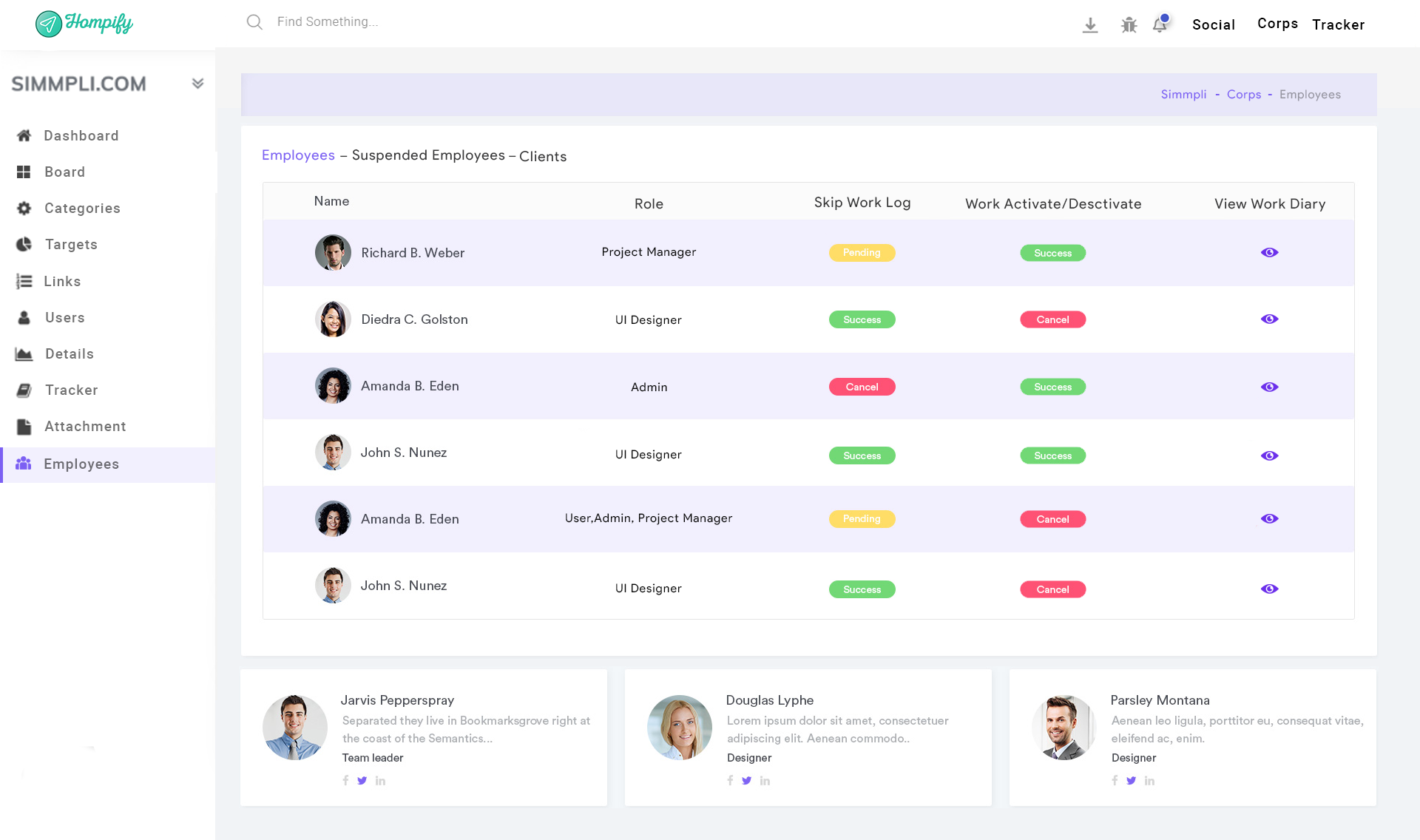
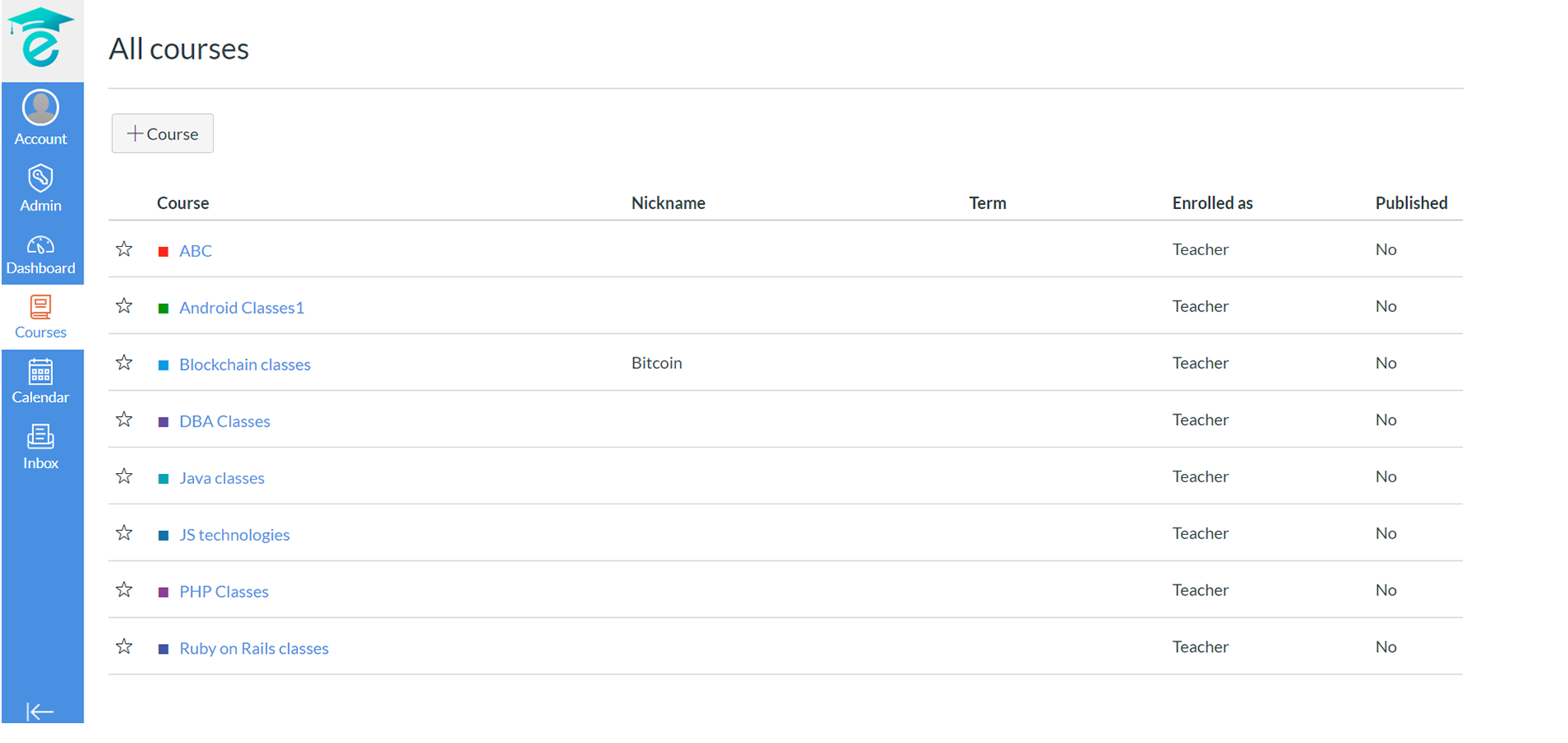

Kivo provides a “courses” feature to add and start new courses in your digital institution. With this feature, you can add courses, create classes for your provided courses, and also assign teachers for the same. You can also check the list of courses you provide and also the teacher assigned for the same. While adding the courses, you can also specify the type of licenses of a given course. You can add interested students for the courses provided and assign expert teachers for the same.
Prioritizing student’s understanding and learning, Kivo provides yet another feature to add and assign teachers for various courses. This feature enables you to add expert teachers in your digital classes and also assign various teachers for different courses and subjects as required. You can also change and assign new teachers for a course as and when needed, or assign multiple teachers for the same subject or course as per students’ requirement.
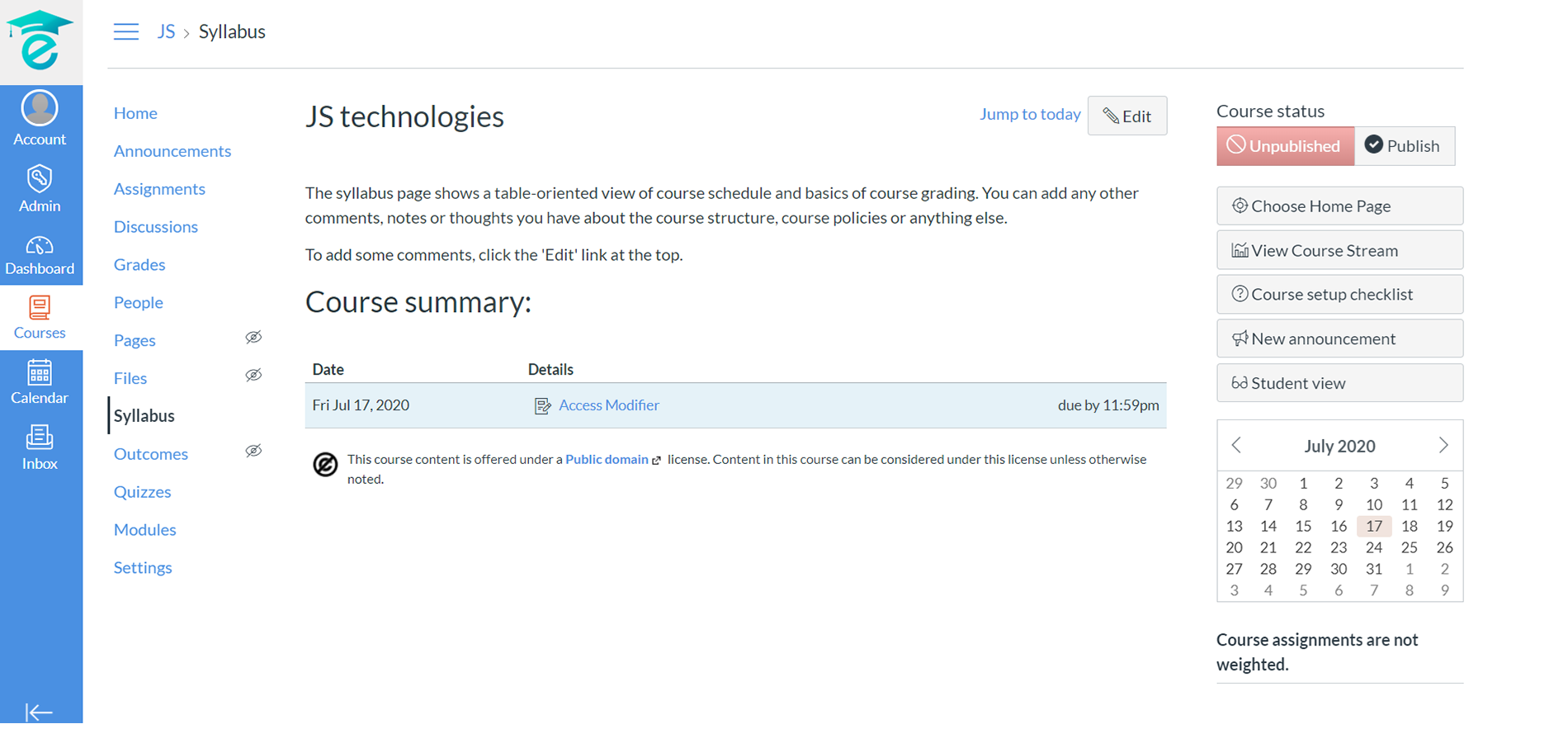

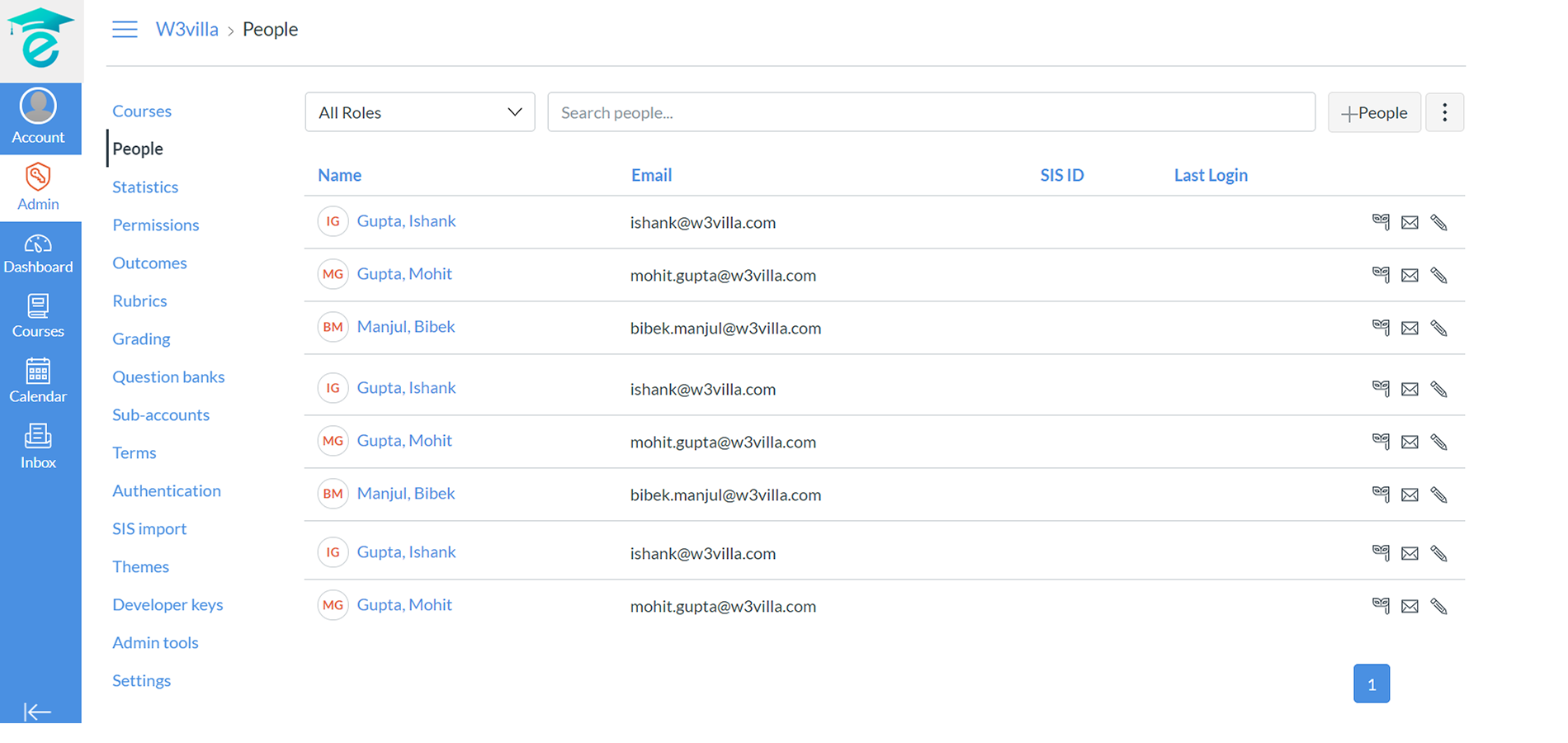
Being a digital institution, Kivo enables you to add students to their desired courses and subjects. You can add multiple students in any given course as per their interest. All you require is their email ID by entering which you can easily add one student at a time or multiple together according to their enrollment. After adding them via email, you can enter their names in the enrolled students’ list and access the same at any point of time required.
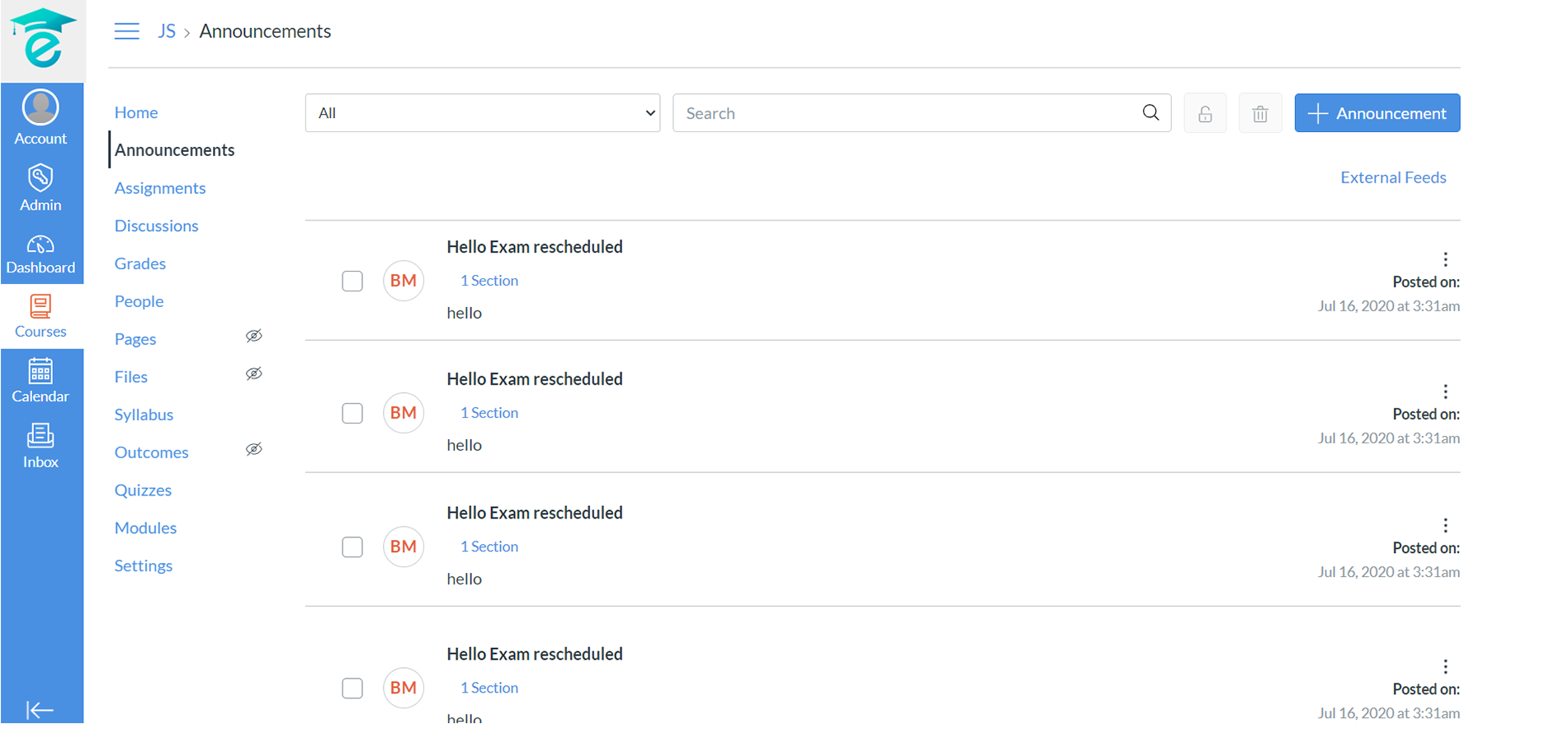
Kivo also provides an E-bulletin for all important announcements and declarations. It enables private course wise announcements for the students of a given course or a public announcement for all together. You can add a title and customize the announcement by incorporating various font styles and attachments. You can allow or block commenting and liking by people as per your preferences and also delay the posting time as per your requirements.

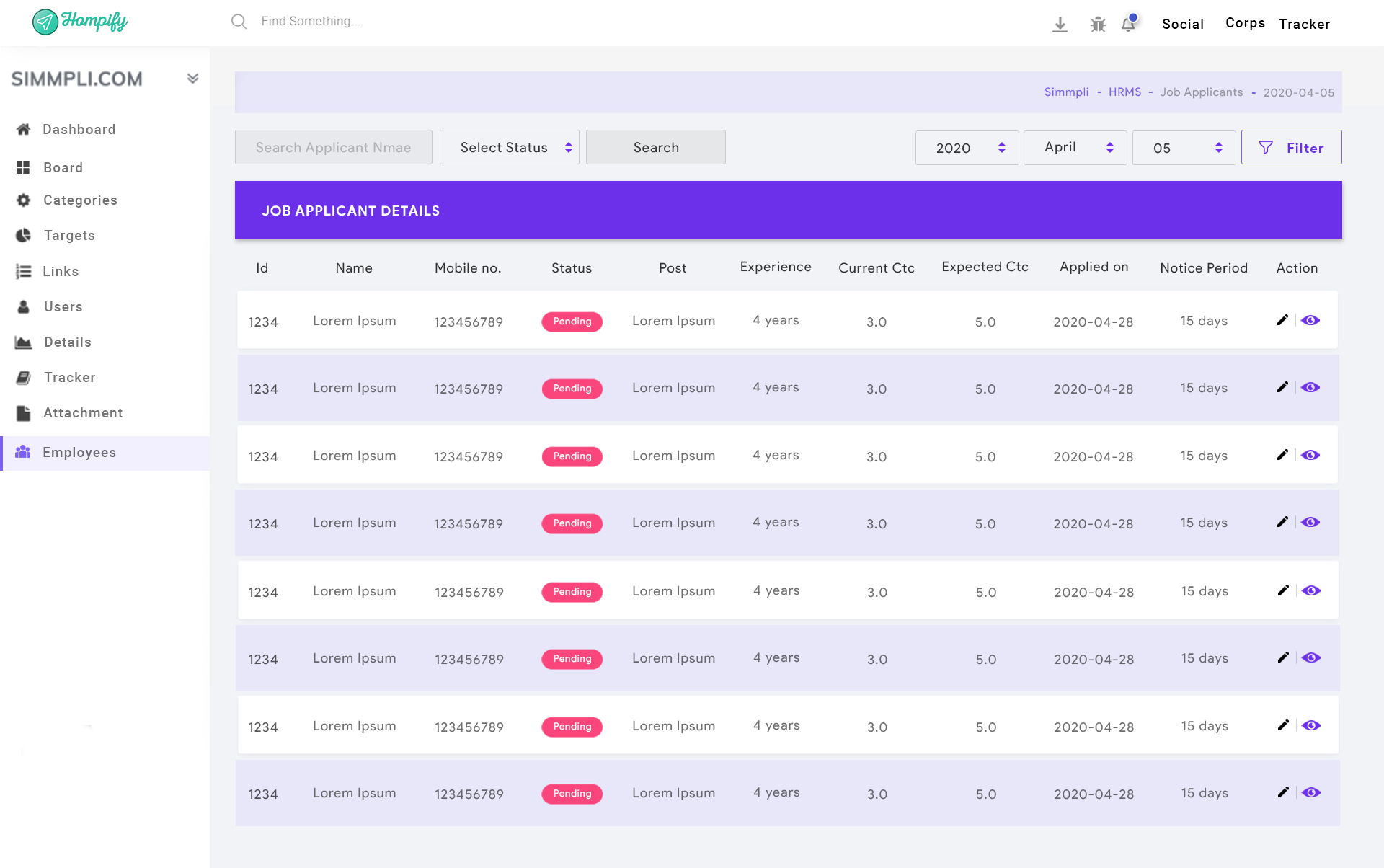
Kivo provides online assignments for students’ assessments. This feature assists the students to solve the assignments online which minimizes the use of paper and reduces time consumption. The students can instantly submit their assignments after completion at their convenience. This feature also assists the teachers to set deadlines for the given assignments and take follow-ups from the students on the same, individually.
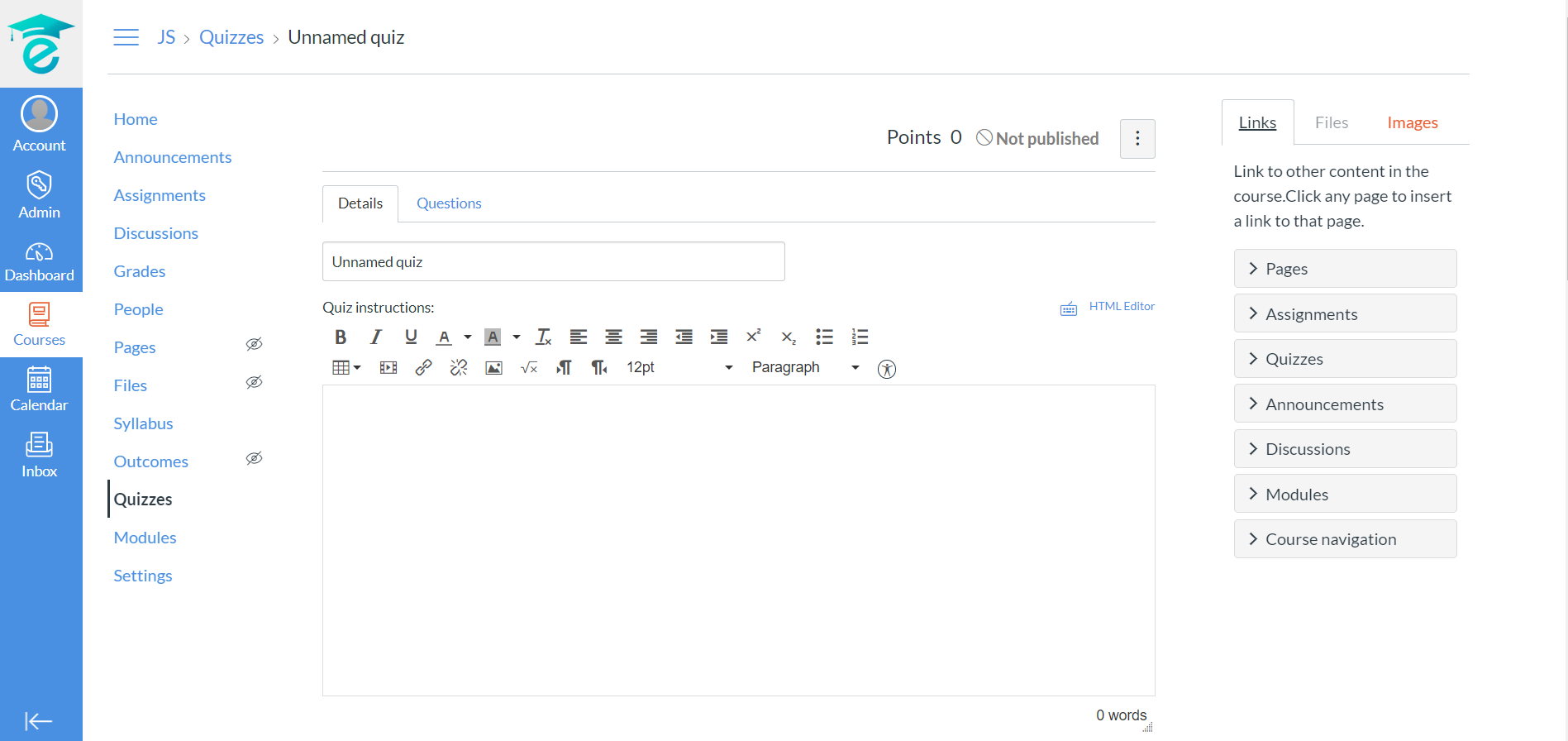
Being an all-inclusive digital classroom, Kivo comes up with a quiz feature to make learnings as interactive as possible for the students. This feature enables teachers to create quizzes. You can also customize it by making it graded or ungraded and by specifying the type of assignment as a group or individual. Also, you can add a time limit for solving or allow multiple attempts. You can add other preferences like enabling students to see their response, letting them see the correct answers, or giving a code to access the quiz.
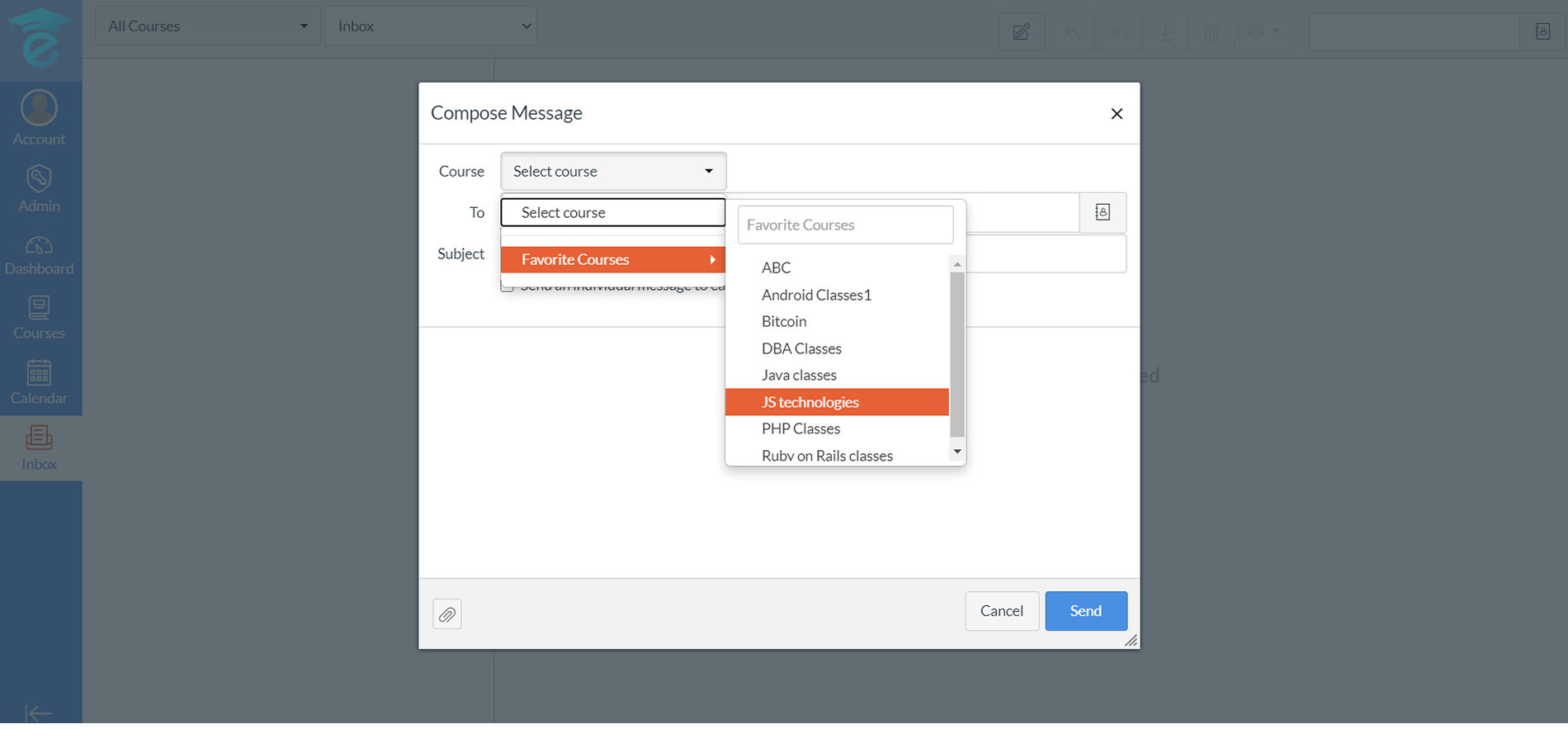
Kivo, working as a complete digital institute providing an in-house communication tool. Kivo also works as a platform that enables the Administration, Teachers, and students to connect with each other through text messages, images, and other forms of attachments as per the requirement. This feature works more like an email service that enables you to connect with multiple people and send the same message to many at the same time selecting the recipients as per your will. Kivo keeps you connected to each one in the institution even when located remotely.
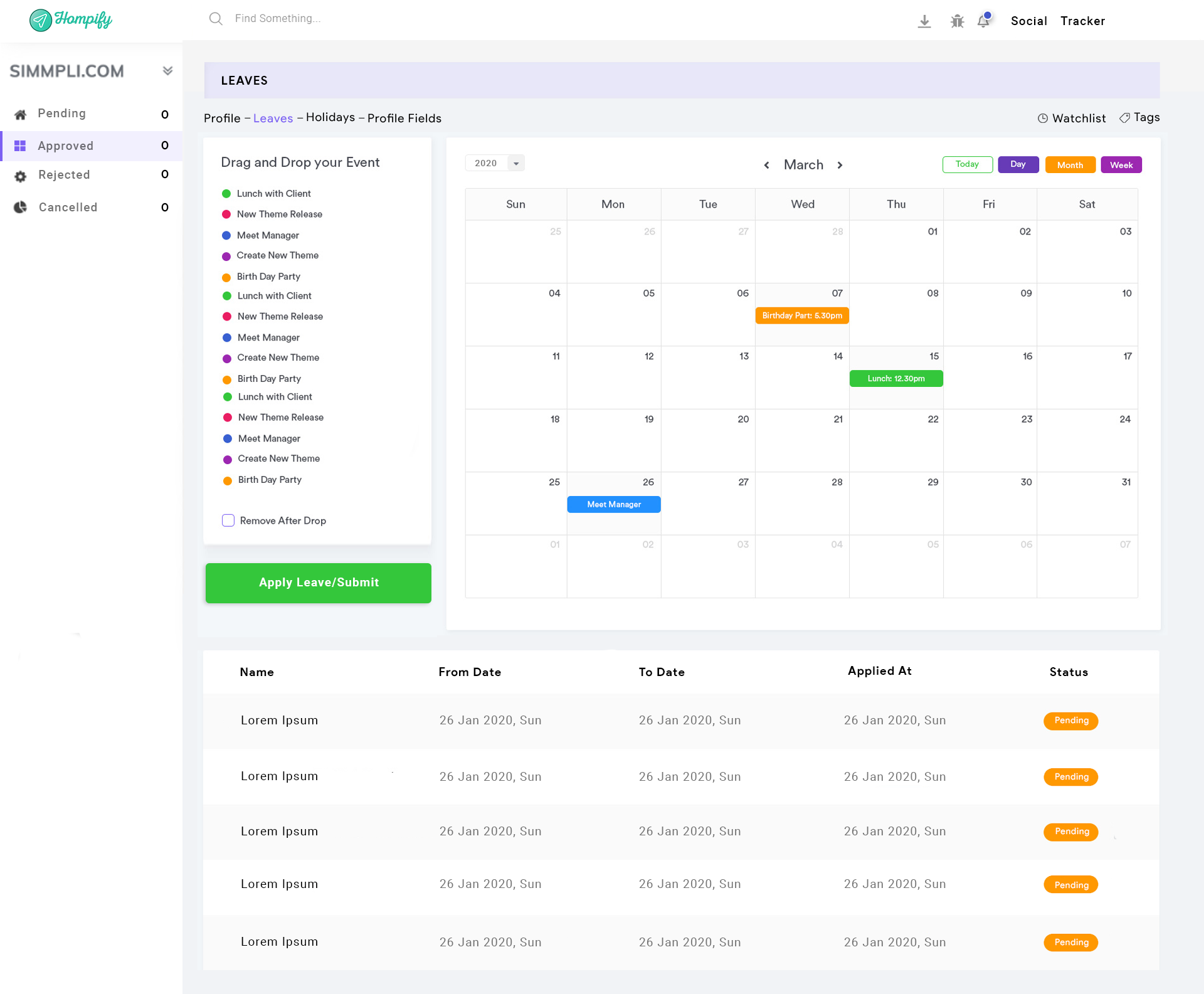
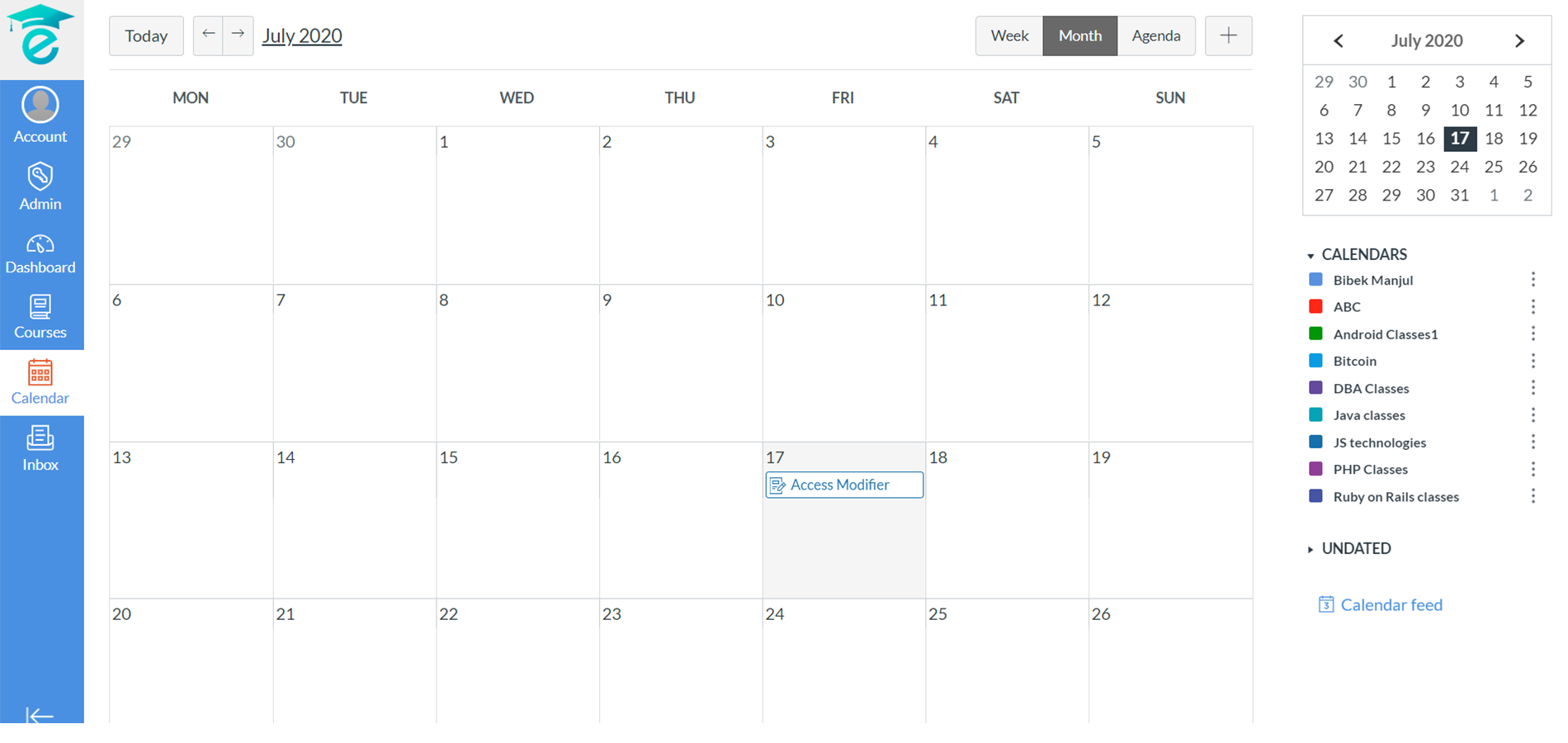
Kivo provides a Calendar feature to plan, manage, and create various events ranging from the quiz to other assessments, and more. You can add an event for any given date as per your wish and requirement. With this feature, you can sort the events date, month, or week-wise as required. You can add or modify the events and even remove them if needed.

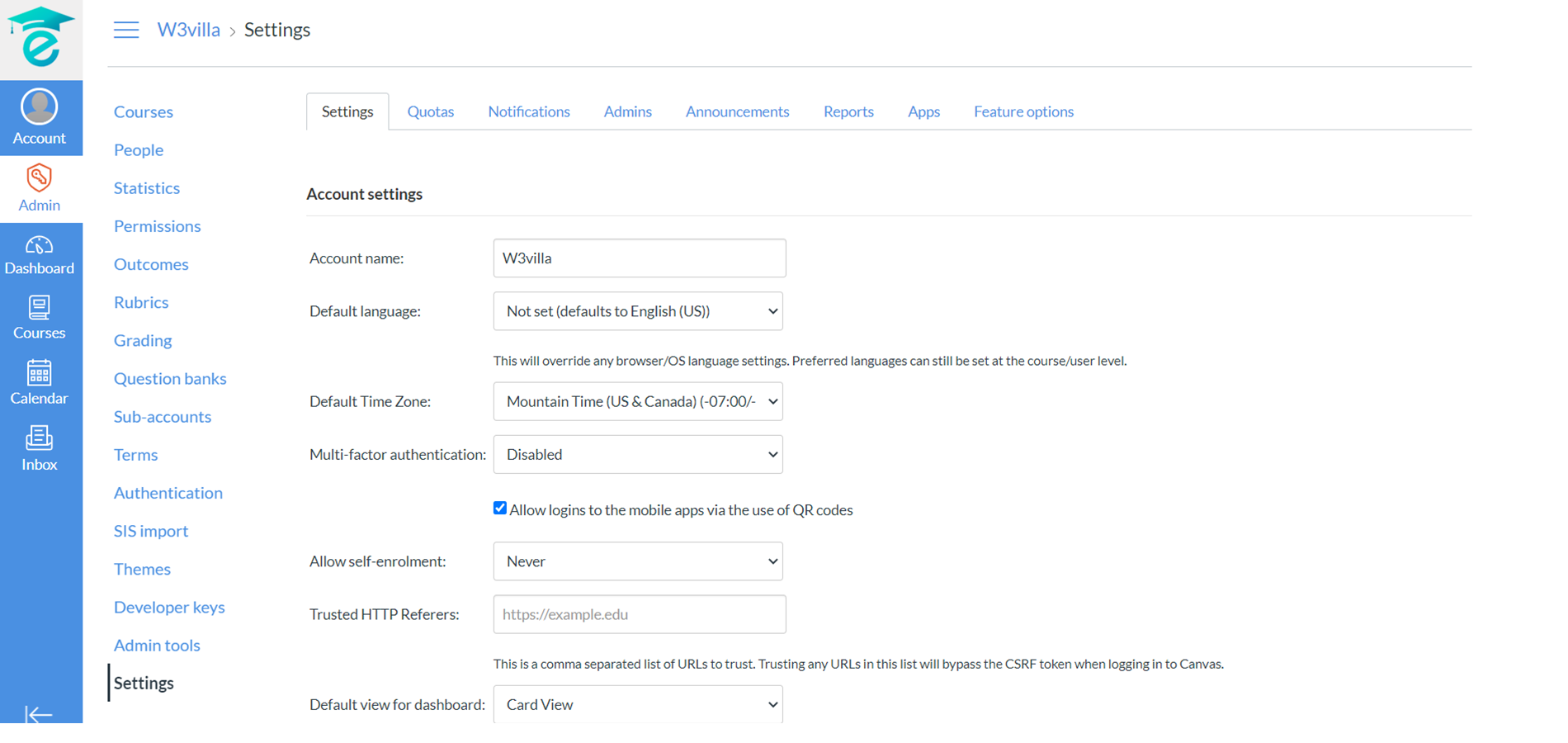
Kivo being a digital institution provides you the option to give selective authorization to various people as per the hierarchy. You can, for example, allow a teacher to have access to various features such as making announcements, creating assignments sending messages, etc. while on the other hand, the students get access to view the announcements and send messages or more if required.
.svg)